
Do you know what yours is? gov.br account level? It currently has 3 different levels: Bronze, Silver and Gold.
Advertisements
Therefore, the less valuable the level, the more limited its services will be.
In today's text you will discover the main differences between the levels and also what to do to move up.
Don't miss it!
What are the main differences between gov.br account levels?
As I said in the introduction, the gov.br account has three different levels, with Gold being the highest, Silver being intermediate, and Bronze being the lowest, which is the gov.br account level beginner.
The levels reflect how it is created or validated, and they also differentiate in some aspects related to the digital services that can be accessed, the level of security and the digital transactions that can be carried out.
We have separated this topic to list the main differences between each level. Follow along:
1. gov.br Bronze account level
This is the basic level, almost every beginner starts with it, but it is not a rule.
What makes a person reach this level is more how they opened their gov.br account. Therefore, if you opened your account through the following means, your account is initially Bronze:
- Registration via INSS, with online or in-person service;
- Creation of a gov.br account via an online questionnaire with data validation at the IRS.
Although it is a common level, it is not difficult to get out of it, since it is only an initial stage, and it is possible to validate for the next level with some actions.
At this level, access to services is very limited compared to the other two options.
You can, for example, only have access to a single account, log in without a password, and manage data usage.
Therefore, it is important to level up quickly to have access to all available services.
2. gov.br Silver account level
The next level is Silver, and you can reach it by taking one of the three actions listed below:
- Data validation with SIGEPE username and password;
- Facial recognition via the gov.br app to check your photo against the CNH database;
- Data validation via Internet Banking from an accredited bank.
In addition to the same functions as the Bronze level, at this stage you also have access to:
- Proof of Life
- Two-step verification;
- Document sharing;
- Electronic signature;
- Access to all services.
3. Gold
This is the third and highest gov.br account level. People at this level have needed to perform some of the actions listed below:
- Facial recognition via the gov.br app to check your photo in the TSE database;
- Data validation using digital biometrics registered in the Electoral Justice database;
- Validation of your data with a Digital Certificate compatible with ICP-Brasil;
- Validation of your data using the gov.br app to read the QR Code on your National Identity Card.
At this level, you will have access to all the functions of the Bronze and Silver stage, in addition to the maximum level of security.
How do I level up my account?
In the previous topics you already had an idea of how to increase the level, through some necessary validations.
In your gov.br app, you will receive some instructions to increase the level, just follow and carry out the validation that is within your reach.
Soon you will level up.
+ Housing Assistance from Salvador City Hall: see how it works
What services are offered in the gov.br account?
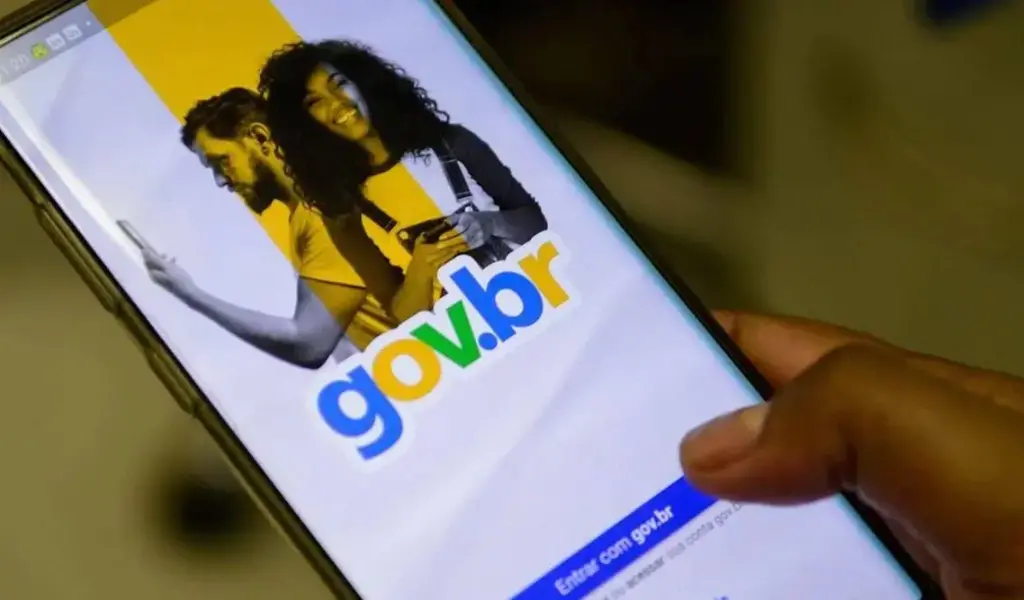
The gov.br account is your access key to a universe of digital public services, offering practicality, security and time savings.
Using a single login and password, you have the autonomy to consult and request services, monitor tax situations, participate in social programs, obtain digital documents and much more.
See the list below for some services that can be requested or accessed from this important resource.
- Submit Income Tax;
- Check CPF;
- Consult Income Tax;
- Obtain the Work Permit;
- Consult CNPJ;
- Single Registry;
- Receive the Salary Bonus;
- Join the Nest Egg Program;
- My Digital SUS;
- Secure Cell Phone;
- Check fines and infractions;
- People's Pharmacy;
- Between others.
On the portal, there are more than four thousand and nine hundred services available, and 90% is digital, meaning you can access it without leaving home.
You can find these services in different ways, for example, by browsing by category and choosing digital services by profile.
What is your profile? Retired, tourist, entrepreneur, worker, driver or farmer?
If you want to access by categories, you will find options such as:
- Social Assistance;
- Science and Technology;
- Finance, Taxes and Public Management;
- Justice and Security;
- Environment and Climate;
- Work, Employment and Social Security;
- Health and Health Surveillance;
- Travel and Tourism.
In addition to services, you will find other content and news from the Government.
If you don't have a gov.br account yet, download the app or visit the website and open your account.
Conclusion
In this text you discovered how it works gov.br account level and how to upgrade. With a higher level, you have access to all available services.
Therefore, perform the necessary validation to level up.
